
Hotel Wi-Fi: planning coverage, capacity and management
Plan hotel Wi-Fi around guest rooms, shared spaces, cabling, PoE power and management requirements before choosing access points.
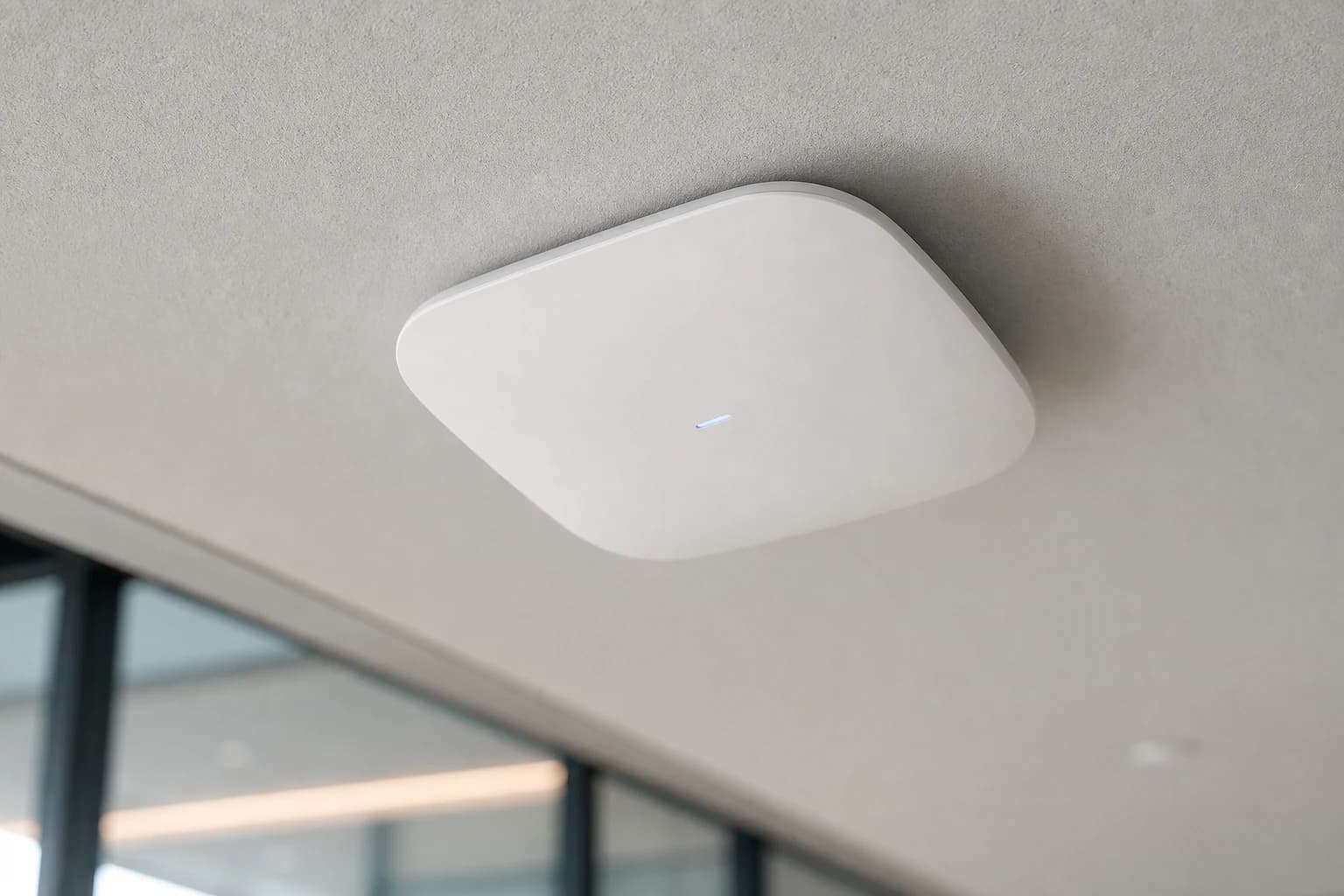
A hotel's Wi-Fi network serves different purposes throughout the day. Guest rooms, reception, terraces and meeting spaces need a design that considers coverage and simultaneous occupancy. Start the proposal with a floor plan and the conditions of the installation.
Information to collect before quoting
Record rooms per floor, wall materials, available cable routes and cabinet locations. Ask which areas experience problems and which applications guests and staff need. A trial in a representative room helps check the assumptions in the floor plan.
Prepare a table for each area showing expected devices, concurrent connections and available cabling. Distinguish a guest room's requirements from those of a busy meeting room. Document the Internet connection and the equipment managing it.
Selecting access points
Compare mounting options and connections for each reference. A wall-mounted unit may suit a room with an existing network outlet. In shared spaces, review ceiling locations and maintenance access. For exposed areas, check the permitted environmental conditions.
Omada's hospitality offering includes wall, ceiling and outdoor equipment. Check which models, functions and management platform suit the project. Omada hospitality solution
Checking the network behind the Wi-Fi
Review available ports, PoE power, uplink speeds and cabinet space. Calculate demand from the selected equipment's specifications. Use the worked PoE calculation before comparing switches.
Define the access available to guests, staff and management equipment. Record the rules to test during commissioning. Check compatibility with the existing system before extending a network already in service.
Tests before handover
Walk through the planned areas using the client's usual devices. Record location, time, application and result. Repeat relevant checks during a representative period of use. Supply an updated plan, an inventory and a procedure for reporting problems.
How many access points does a hotel need?
The number depends on the building and concurrent usage. Prepare an initial layout and validate it with measurements and tests. Review Wi-Fi access points, PoE power options and the TP-Link catalog to choose references.

